
ANTHBOT GENIE SERIES
Installation Guide
A clean step-by-step setup guide for getting your Anthbot robot mower ready for its first mow.
Watch the setup video
Follow along visually before starting the installation.
Before you start: Fully charge the mower, make sure your phone has Bluetooth/WiFi enabled, and choose a clear open area for the charging station.
01
PREPARATION
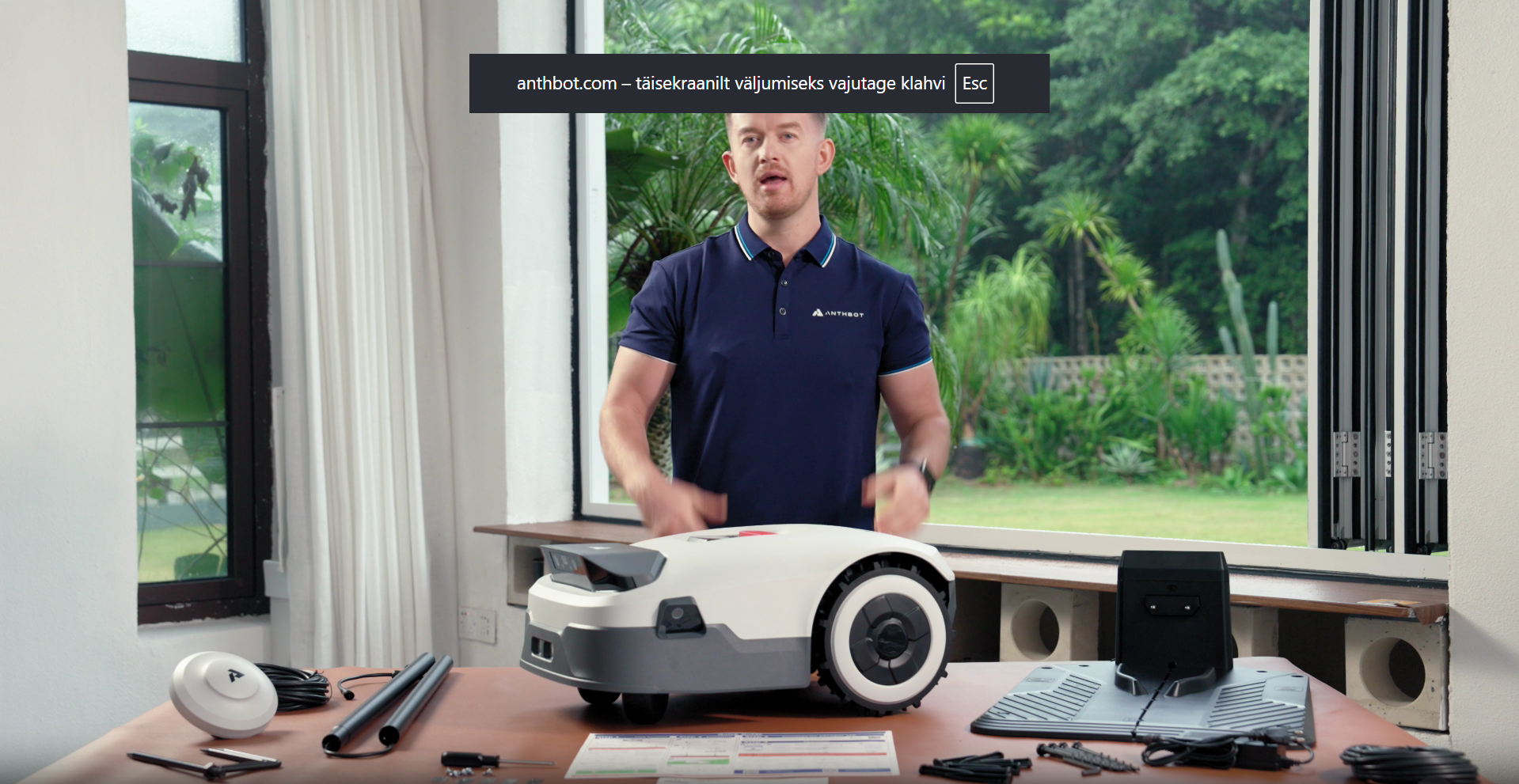
Unbox & check everything
Remove the mower, charging station, power supply, blades, screws and accessories from the box. Check that all parts are included before starting installation.
- Place all components on a clean flat surface
- Inspect mower and charging dock
- Charge the mower before first use
02
DOCK SETUP
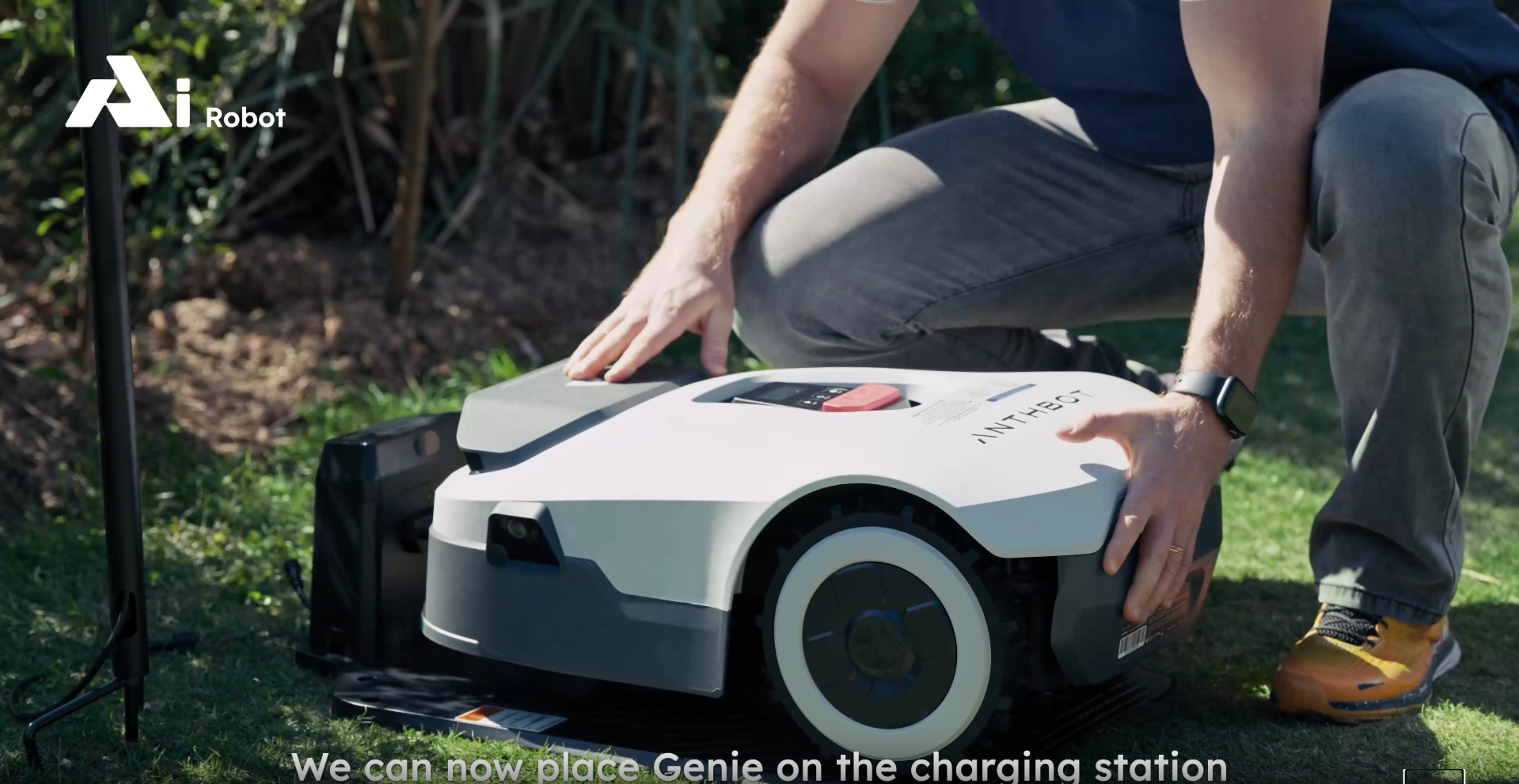
Position the charging station
Choose a flat, open location with good access to power. Leave clear space around the dock so the mower can return easily.
- Flat ground is best
- Avoid tight corners or narrow passages
- Keep the front of the dock clear
03
APP CONNECTION
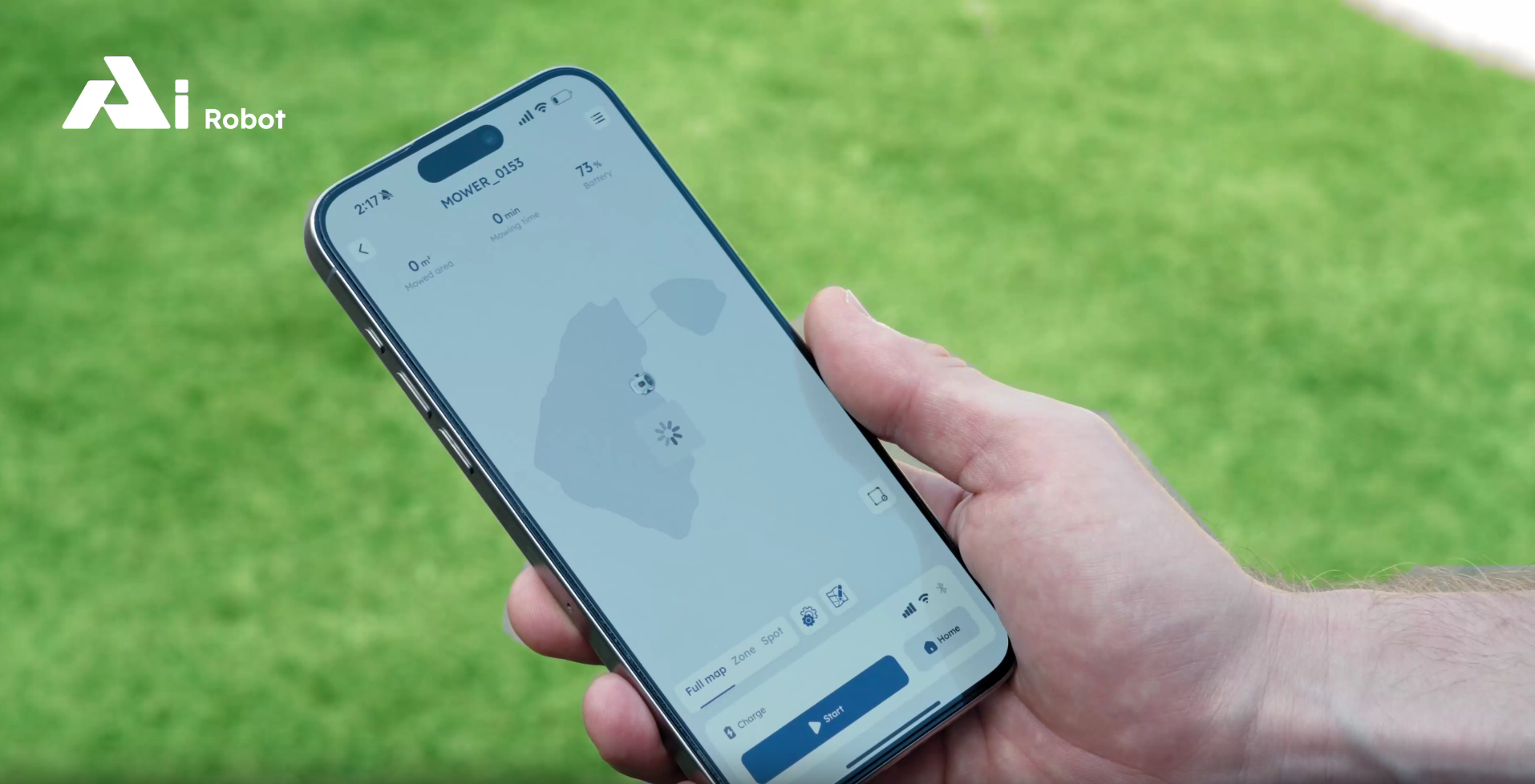
Connect the mower to the app
Download the app, power on the mower, and follow the pairing process. The app will guide you through setup, updates and mower settings.
- Enable Bluetooth and WiFi
- Pair your mower in the app
- Complete any firmware updates

04
LAWN MAPPING
Create mowing zones
Use the app to define your mowing area, no-go zones and paths. This helps the mower understand where to cut and where to avoid.
- Map the main mowing area
- Add no-go zones around pools, garden beds or obstacles
- Create zones for separate lawn areas

05
FIRST RUN
Start the first mow
Begin the first mowing cycle and watch how the mower moves. Make small adjustments in the app if needed for better coverage.
- Monitor the first mow
- Adjust zones if required
- Set an automatic mowing schedule
Common setup mistakes to avoid
Installation FAQ
Do I need boundary wire?
No. Anthbot uses smart navigation, so setup is cleaner and faster than traditional wire-based robot mowers.
How long does setup take?
Most setups can be completed in one session, depending on lawn size and layout complexity.
Can I create no-go zones?
Yes. Use the app to mark areas the mower should avoid, such as garden beds, pools or outdoor furniture.
NEED HELP?
We can help you get set up properly.
Contact Eazybot support if you need help with installation, app setup or choosing the right mowing zones.
Contact Support →