PREPARE
Unbox your Hookii mower.
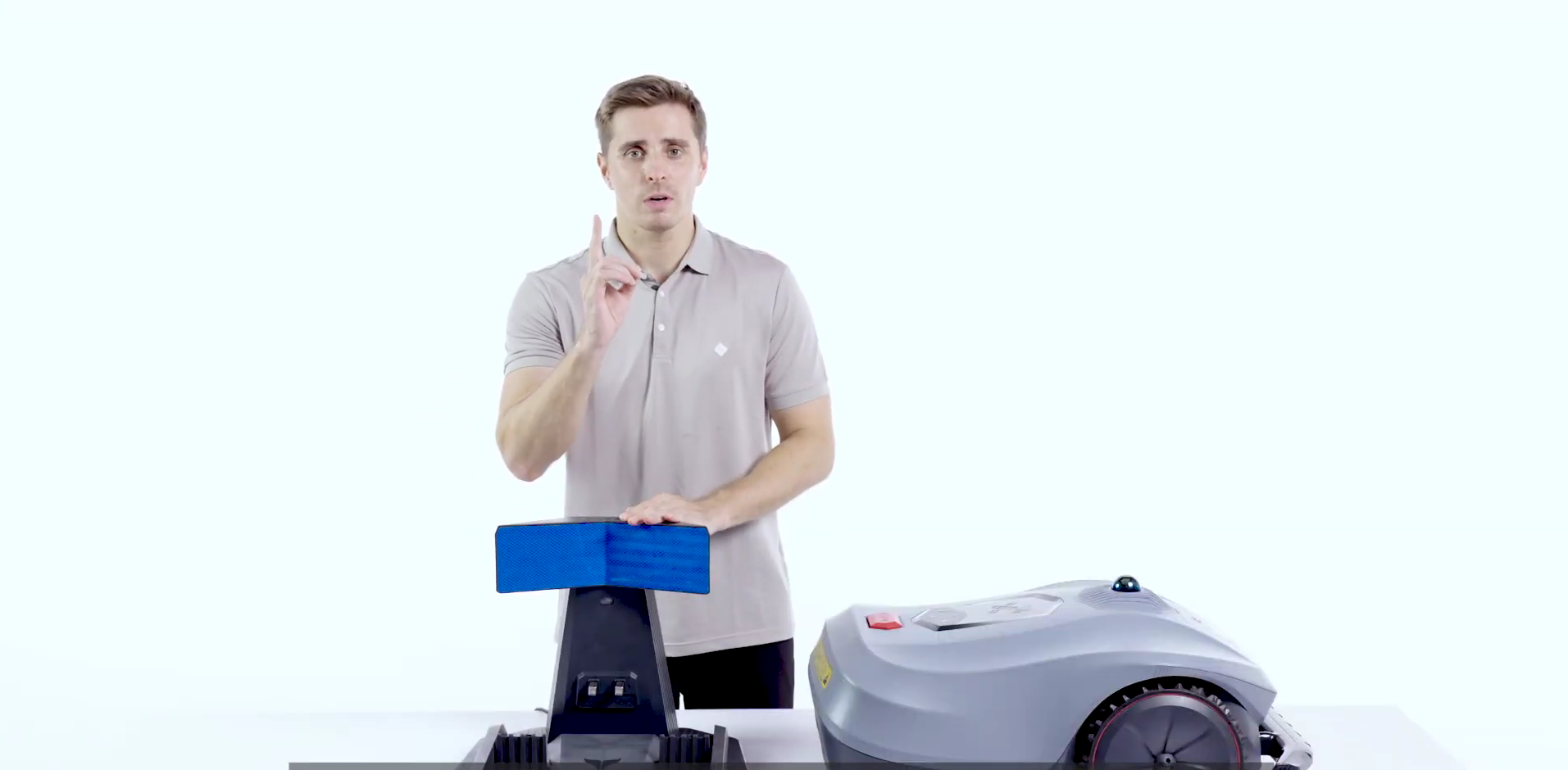
Remove all components and check that your mower, charging dock, power supply and accessories are ready.
- Check all parts
- Charge before first use
- Keep accessories nearby
HOOKII NEOMOW SERIES
Follow a clean, guided installation flow for your Hookii robot mower.
VIDEO GUIDE
Get a quick overview of the installation process before setting up your mower.
PREPARE
Remove all components and check that your mower, charging dock, power supply and accessories are ready.


CHARGING DOCK
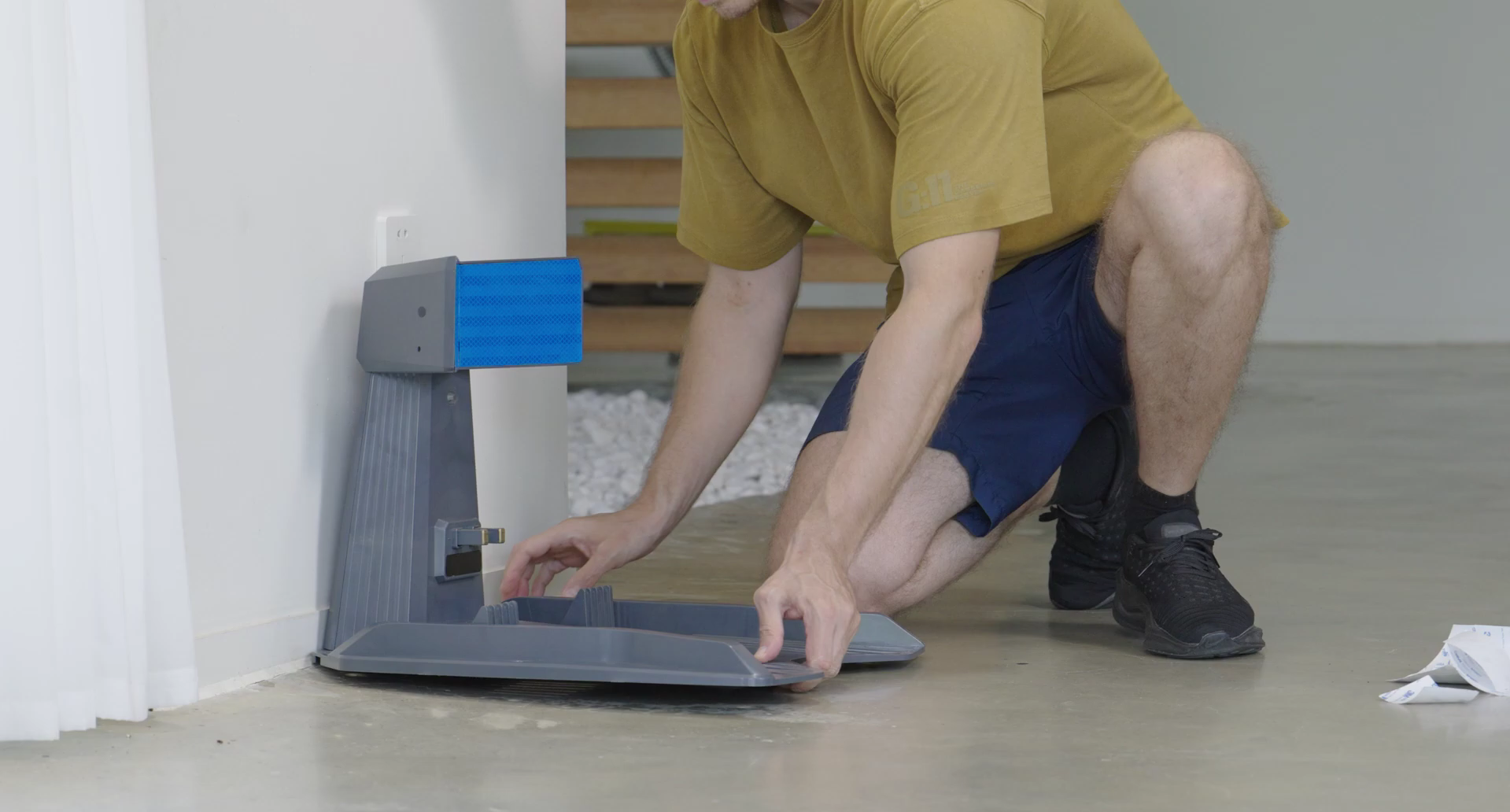
Install the charging station on flat ground with enough clearance for the mower to leave and return smoothly.


APP SETUP
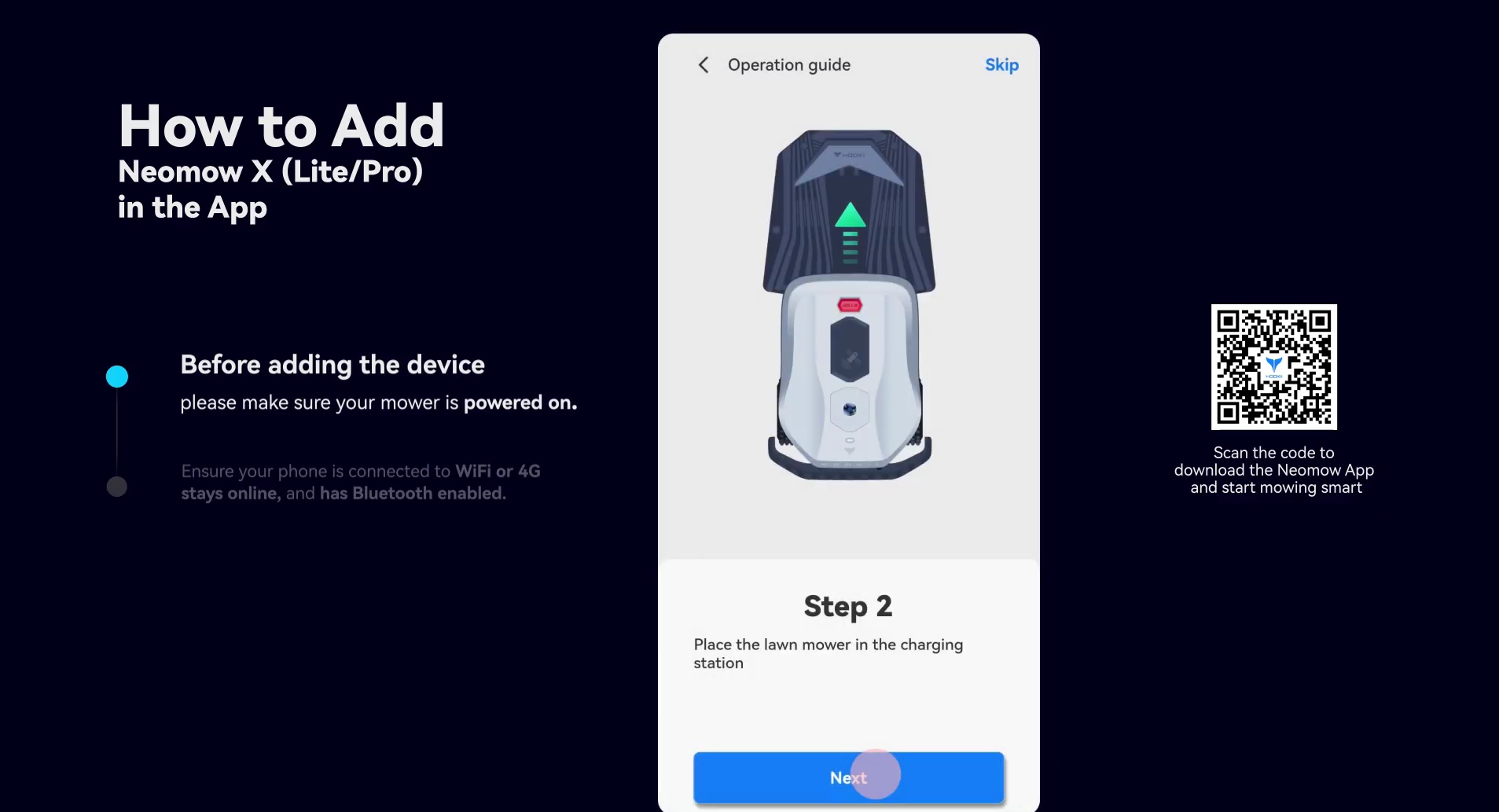
Pair your mower with the Hookii app and complete the setup prompts.


MAPPING
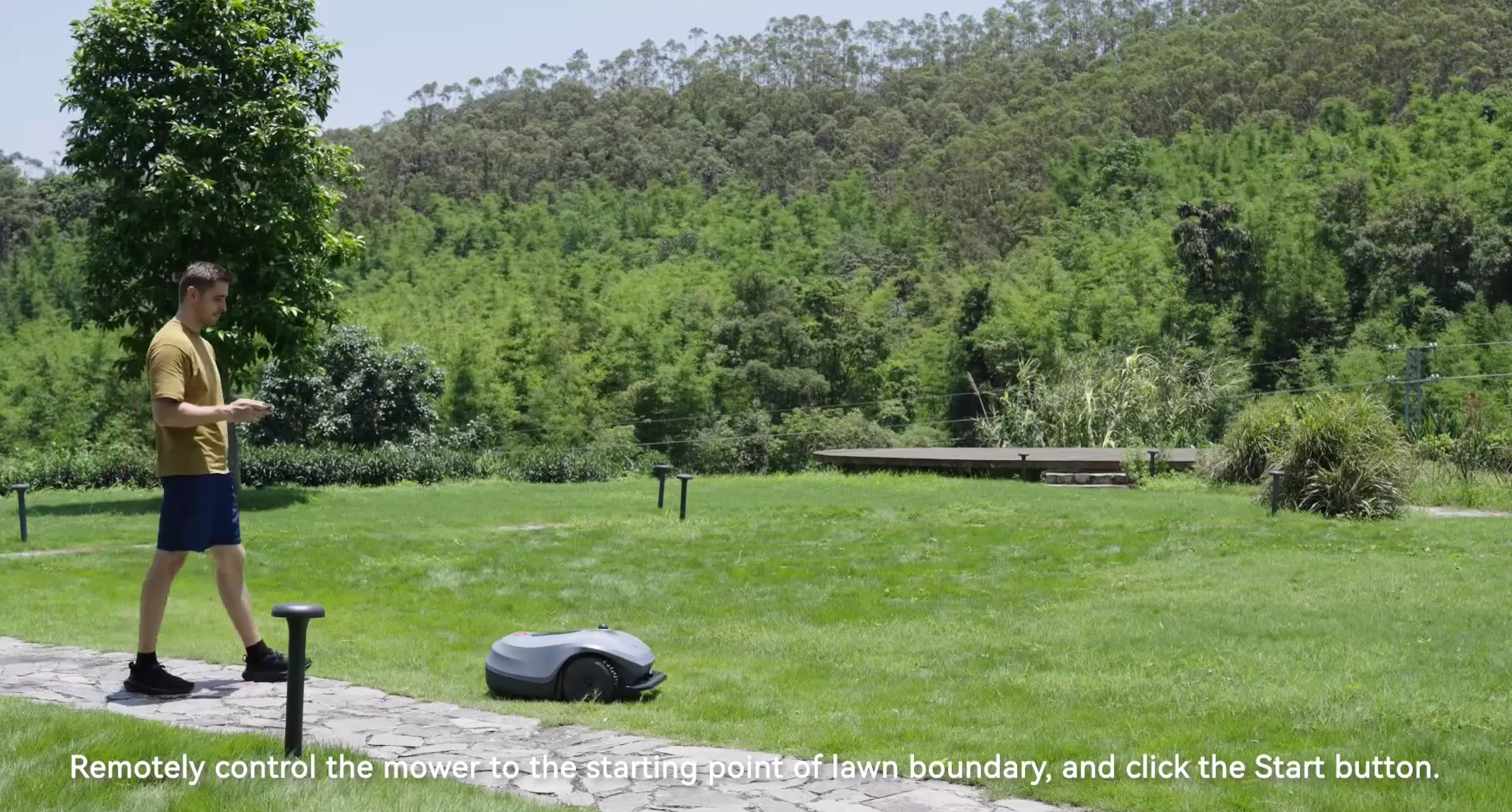
Map your lawn, add no-go zones and define any separate mowing areas.


FIRST MOW
Begin the first mowing cycle and monitor the mower. Adjust zones if needed.


AVOID THESE
Give the mower clear space to return safely.
Update before mapping for best performance.
Clean zones make mowing smoother and more reliable.
No. Hookii is designed for wire-free setup.
No. Hookii does not require RTK installation.
Yes. Use the app to create no-go zones around garden beds, pools, furniture or other obstacles.
NEED HELP?
Contact Eazybot support if you need help with setup, mapping or app connection.
Contact Support →Added to cart
Check out our shop to see what's available